
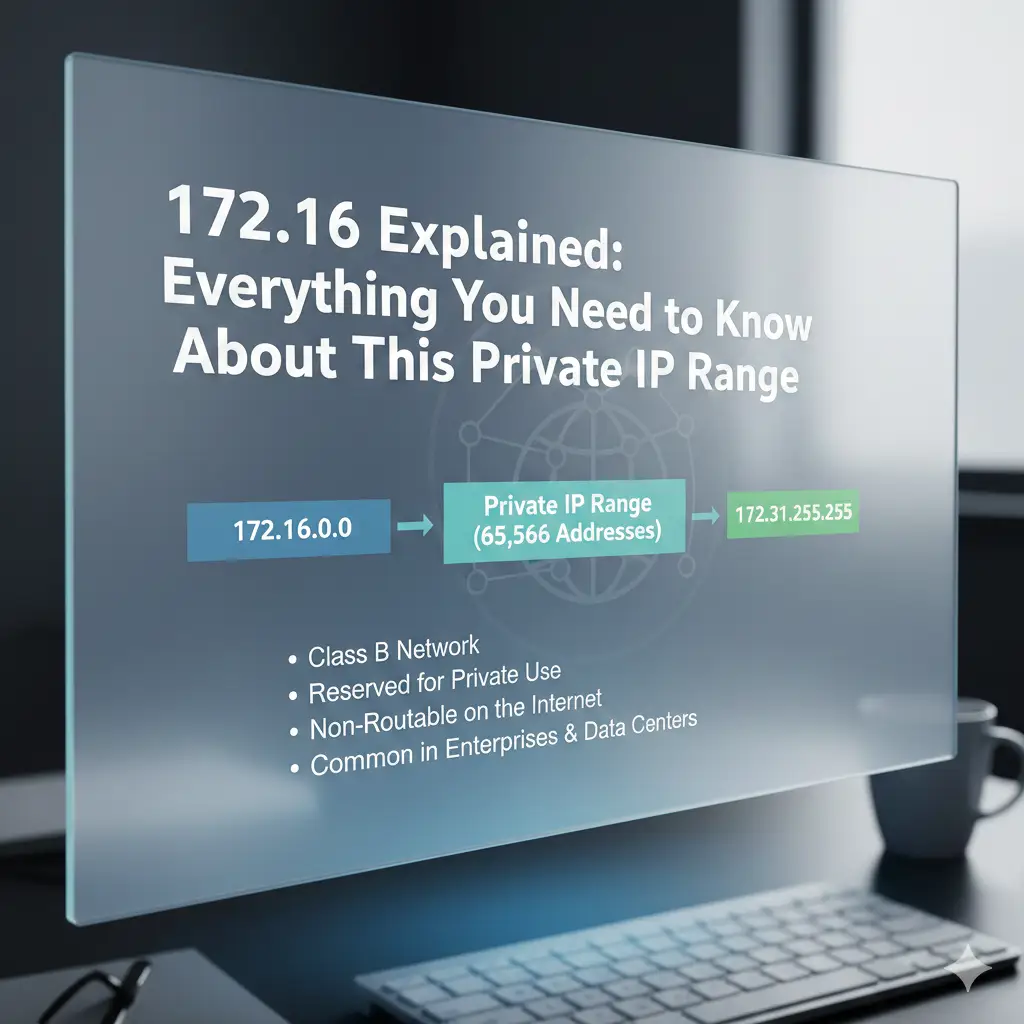
172.16 Explained: Everything You Need to Know About This Private IP Range
If you just opened your laptop or phone and noticed an address that starts with 172.16, don’t worry — it’s completely normal and safe. The 172.16 range is one of the three official private IP address blocks that millions of homes, offices, schools, and companies use every single day1.

This special block — officially called the IP range 172.16 to 172.31 — is part of the RFC 1918 IP addresses that were created in 1996 so that networks could talk inside without needing real public Internet addresses. That means any address from 172.16.0.0 all the way to 172.31.255.255 is a non-routable IP address — it never appears on the public Internet2.
What Makes 172.16 So Special? (And Different from 192.168)
Most home routers use 192.168.x.x, but bigger networks love 172.16 because it gives them way more addresses — over 1 million! Here’s the quick comparison:
| Private Range | Total Addresses | Most Common Users |
| 10.0.0.0 – 10.255.255.255 | 16 million+ | Huge companies, cloud providers |
| 172.16.0.0 – 172.31.255.255 | 1,048,576 | Medium-to-large offices, schools, factories |
| 192.168.0.0 – 192.168.255.255 | 65,536 | Home users, small offices |
That’s why you often see 172.16.x.x subnet in corporate offices, universities, and even some home-lab setups.
Who Actually Uses 172.16 Addresses in Real Life?
- Network administrators and IT teams – They choose 172.16 when they need many separate departments (HR, Finance, Engineering) on different subnets.
- Schools and universities – One building might be 172.16.10.x, another 172.16.20.x.
- Factories and warehouses – Machines, cameras, and robots often live on 172.16 networks.
- Home-lab and tech enthusiasts – Many people change their router from 192.168 to 172.16 just because they want more space.
- VPN users – When you connect to your company VPN, your laptop often gets a VPN private IP range address that starts with 172.16.
How to Access 172.16.0.1 – The Famous Router Login Address
Some router brands (especially enterprise-grade or ISP-provided ones) use 172.16.0.1 as the default gateway IP 172.16.0.1. Here’s exactly how to reach it:
- Connect to your Wi-Fi or plug in a cable.
- Open any browser (Chrome, Edge, Firefox, Safari).
- Type exactly: http://172.16.0.1 (or https://172.16.0.1)
- Common default logins:
- Username: admin | Password: admin
- Username: admin | Password: password
- Some ISPs print the password on the router sticker.
You can see real examples of routers using this address here → 172.16.0.1 router login guide
Is Every 172.16 Address Truly Private? (Important 2025 Update)
Yes — almost! The official private block is only 172.16.0.0 to 172.31.255.255.
Anything outside that (like 172.15.x.x or 172.32.x.x) might actually be a real public address owned by an ISP.
That’s why you should never block “all 172.x.x.x” traffic in firewalls. The American Registry for Internet Numbers (ARIN) warns about this exact mistake → ARIN address filtering warnings
Check any address instantly here → IP2Location demo for 172.16.172.16 (shows “Private network” every time).
 Understanding Private vs Public IP Addresses – Simple Breakdown
| Feature | Private IP (172.16) | Public IP (e.g., 8.8.8.8) |
| Can it be used by anyone? | Yes – reused in millions of networks | No – only one owner worldwide |
| Reachable from the Internet? | Never | Yes |
| Needs Network Address Translation (NAT)? | Yes | No |
| Used for | Internal network IP, LAN IP address, corporate LAN IP addresses | Websites, servers, your home’s external address |
FAQs About 172.16 – All the Most-Asked Questions Answered (2025 Edition
What exactly is 172.16?
172.16 is the starting part of the official private IP address range 172.16.0.0 – 172.31.255.255 defined by RFC 1918 IP addresses. It is only used inside private network IP range areas like offices, schools, and home labs.
Is 172.16 a public or private IP?
100 % private IP address. It is non-routable IP address – it can never be reached directly from the public Internet.
Why does my phone or laptop show an IP starting with 172.16?
You are connected to a corporate LAN IP addresses network or a VPN private IP range. That’s perfectly normal at work, school, or when using your company VPN.
How do I log in to my router if it uses 172.16.0.1?
Open any browser and go to http://172.16.0.1 → try username admin and password admin or password. Check the sticker on the router for the exact login.
My browser says “172.16.0.1 refused to connect” – what’s wrong?
You’re probably not on the right network, or the router uses a different address. Type ipconfig (Windows) or ifconfig (Mac) to see your real default gateway IP 172.16.0.1.
Can I change my home router from 192.168 to 172.16?
Yes! Log into your current router → LAN settings → change the IP to something like 172.16.1.1 and save. All devices will get new 172.16.x.x subnet addresses.
Is it safe to use 172.16 addresses?
Extremely safe. Because they are internal network IP addresses hidden behind Network Address Translation (NAT), no one on the Internet can reach them.
Why do some companies use 172.16 instead of 192.168?
The IP range 172.16 to 172.31 gives over 1 million addresses and 65,000 possible subnets — perfect for big offices that need separate networks for different floors or departments.
Can hackers attack a 172.16 address from outside?
No. These are non-routable IP addresses – your router simply drops any outside traffic trying to reach them.
Quick Tips for Working with 172.16 Networks
- Never forward ports directly on 172.16.x.x addresses — use VPN instead.
- When doing IP subnetting 172.16 block, remember you have 16 bits for networks (65,536 possible subnets!).
- Use tools like Angry IP Scanner or Fing to see every device on your 172.16.x.x subnet.
Similar IP Guides You Might Need
- Seeing a strange public IP in your logs? → 185.63.263.20 – Easy Guide to This IP
- Confused by another private range? → Understanding invalid-looking addresses
Conclusion – 172.16 Is Just a Super-Useful Private Network Tool
In the end, 172.16 is simply one of the three official private IP address ranges defined by RFC 1918 IP addresses. It gives medium and large networks over a million safe, reusable addresses that stay hidden behind Network Address Translation (NAT). Whether you’re logging into a 172.16.0.1 router login, studying IP addressing in local network, or managing corporate LAN IP addresses3, this range keeps things organized and secure.
You now know exactly what 172.16 means, who uses it, and how to work with it confidently.
So tell me — where did you first spot a 172.16 address? At school, at the office, on your home lab, or somewhere else? Drop a comment below and I’ll help you figure it out!
References
- IP2Location demo showing private status: ip2location.com/demo/172.16.172.16/ ↩︎
- Router-Network.com – Real-world 172.16.0.1 examples: router-network.com/ip/172-16-0-1 ↩︎
- ARIN – Warnings about incorrect 172.x filtering: arin.net/reference/research/statistics/address_filters/ ↩︎
