

Understanding 172.1.1.1 – Complete 2025 Guide to This Unusual IP Address
The IP address 172.1.1.1 has become a popular search term in 2025 because many users see it in router logs, server dashboards, or analytics tools. At first glance, 172.1.1.1 looks like any normal public Internet address, but when you run an IP address lookup, something strange happens — different services show different cities in the United States.

This simple four-number address creates confusion, and that’s exactly why you’re here. In this easy-to-read guide, we’ll clear up everything about 172.1.1.1 using real data from 2025.
Quick Live Proof You Can Check Yourself
- See the Houston result → IP2Location demo for 172.1.1.1
- See the New York result → IPinfo.io lookup for 172.1.1.11
- See the WHOIS ownership → 2WHOIS365 record for 172.1.1.1
What the Data Actually Shows About 172.1.1.1
Here’s what the major IP location services report in December 2025:
| Service | Country | City | ISP | ASN | Notes |
| IP2Location | USA | Houston, Texas | AT&T Enterprises LLC | AS7018 | Common result |
| IPinfo.io | USA | New York City | AT&T Services | AS7018 | Different city, same owner |
| WHOIS365 | USA | – | AT&T Enterprises | AS7018 | Full IP address range 172.0.0.0/12 belongs to AT&T |
All services agree on two things:
- The address belongs to AT&T (a huge American ISP).
- It falls inside the 172.0.0.0/12 block that AT&T owns.
Is 172.1.1.1 a Private or Public IP Address?
This is where most people get confused.
- The official private range for the 172 block is 172.16.0.0 – 172.31.255.255 (defined by RFC 1918).
- Addresses from 172.0.0.0 – 172.15.255.255 and 172.32.0.0 – 172.255.255.255 are normal public vs private IP address space that can be used on the real Internet.
So 172.1.1.1 is technically a public IPv4 address — not a reserved private one like 192.168.x.x or 10.x.x.x.
However, many large companies (including AT&T) sometimes use early parts of their blocks internally, which explains the IP database discrepancies and IP location data conflicts.
Why Do IP Geolocation Services Disagree So Much?
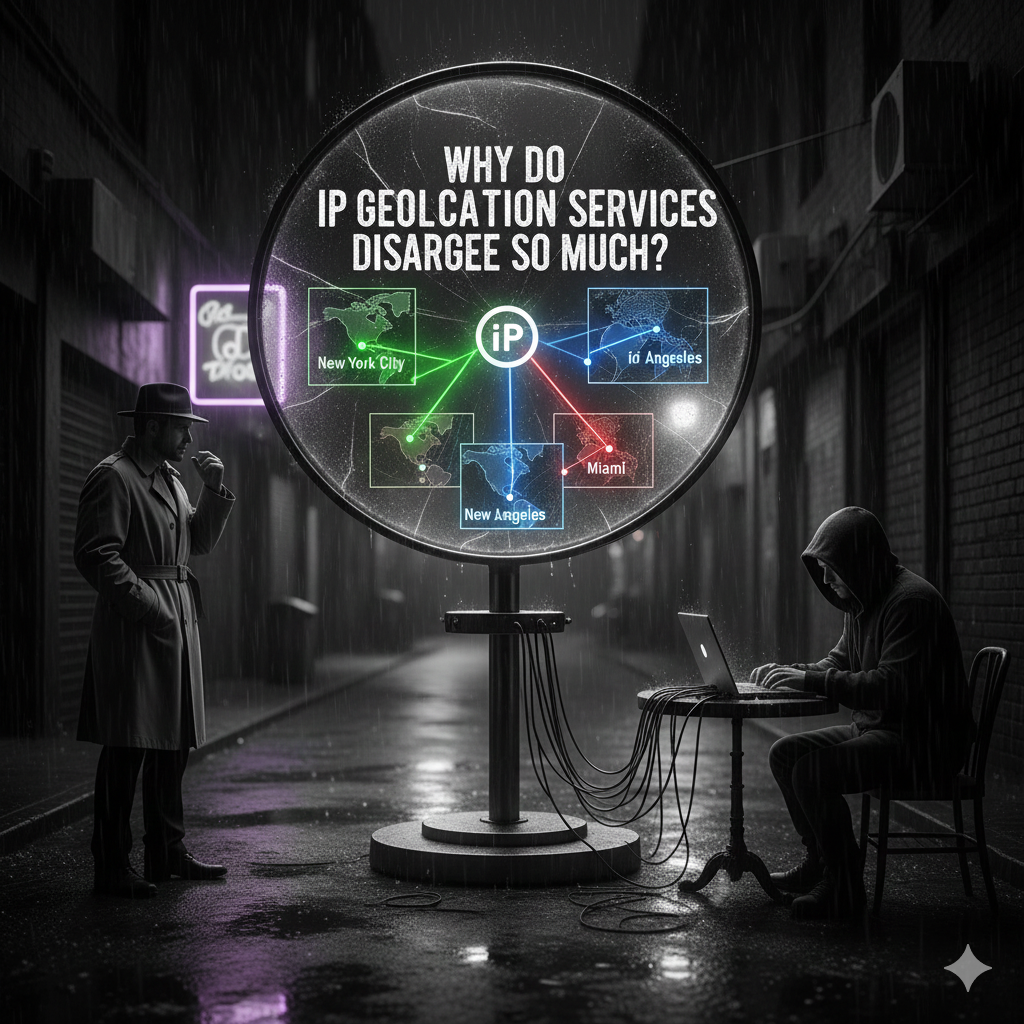
IP geolocation accuracy is never 100 %. Here’s why the results for 172.1.1.1 jump between Houston and New York:
- AT&T has data centers and offices in both cities.
- The company registers big blocks of IPs to a central address, then spreads them across the country.
- Geolocation companies guess the most likely city based on registration data, not the exact street where a user sits.
- Accuracy at city level is only about 55–80 % for most consumer IPs (MaxMind study, 2024).
In simple words: IP geolocation for AT&T IP address blocks like 172.1.1.1 is educated guessing, not fact.
Can You Use 172.1.1.1 to Define a Target Audience?
Short answer: No — and here’s why:
- The city keeps changing between services (IP address location Houston vs IP address location New York).
- Even if one service is correct today, AT&T can move that IP to another state tomorrow.
- A single visitor using 172.1.1.1 could be an AT&T business customer, an employee working from home, or traffic passing through an internal gateway.
Key takeaway: Never build marketing or content targeting only on 172.1.1.1 or any single IPv4 address 172.1.1.1. You will waste time and money.
Better Ways to Understand Your Real Audience in 2025
- Ask users directly (country selector at signup).
- Use browser language and time-zone settings.
- Combine multiple signals in Google Analytics 4 or Plausible.
- Accept explicit consent for precise geolocation (HTML5 API).
Common Places You Might See 172.1.1.1 Today
Even though it’s public, people report seeing 172.1.1.1 in these situations:
- Internal AT&T enterprise networks
- Some VPN or proxy exit nodes owned by AT&T partners
- Misconfigured servers that accidentally use an internal address
- Legacy equipment still running old configurations
How to Do Your Own Accurate IP Address WHOIS Lookup

Follow these simple steps:
- Open any browser.
- Go to a trusted service like ipinfo.io or whois365.com3.
- Type 172.1.1.1 and press Enter.
- Look at the “OrgName” or “NetRange” section — it will always say AT&T.
You’ll also see the IP address ASN 7018, which is AT&T’s official autonomous system number.
Similar IP Guides You Might Need Next
- Curious about another strange IP in your logs? → 185.63.263.20 – Easy Guide to This IP
- Seeing invalid-looking addresses? → 264.68.111.161 – Understanding This Invalid IP
Frequently Asked Questions About 172.1.1.1
What is 172.1.1.1?
It’s a normal public IP address owned by AT&T in the United States (AS7018).
Why do some sites say 172.1.1.1 is in Houston and others say New York?
Because IP geolocation databases guess the city. AT&T has offices and data centers in both places, so the results bounce around.
Is 172.1.1.1 a private IP like 192.168.x.x?
No. The private 172 range is only 172.16–172.31. 172.1.1.1 is public and can be used on the real Internet.
Can I use 172.1.1.1 as my router’s address at home?
You can, but it’s not recommended. It belongs to AT&T, so you might get weird routing problems. Stick to 192.168.x.x or 10.x.x.x for home networks.
Is 172.1.1.1 safe or is it a hacker/virus IP?
100 % safe. It’s a legitimate AT&T address. It only looks suspicious because geolocation tools disagree.
Conclusion – What 172.1.1.1 Really Teaches Us in 2025
172.1.1.1 is a normal public IP owned by AT&T (ISP AT&T Enterprises, ASN 7018) inside the IP address range 172.0.0.0/12. Because geolocation databases disagree (Houston vs New York), and because large ISPs move addresses around, 172.1.1.1 is a perfect example of why IP geolocation accuracy is limited.
Never rely only on a single IP address lookup to decide your target audience. Always combine it with real user signals for the best results.
Have you seen 172.1.1.1 in your own website stats, server logs, or firewall? Drop a comment below and tell me where it showed up — I’ll help you figure out exactly what it means!
References
- IPinfo.io – Live lookup (shows New York):/ipinfo.io/172.1.1.1 ↩︎
- WHOIS365 – Full ownership record: whois365.com/en/ip/172.1.1.1?w365id=m2c6ph2i6n126u7a3aph16jal0 ↩︎
- IP2Location – Live demo (shows Houston): ip2location.com/demo/172.1.1.1 ↩︎
