
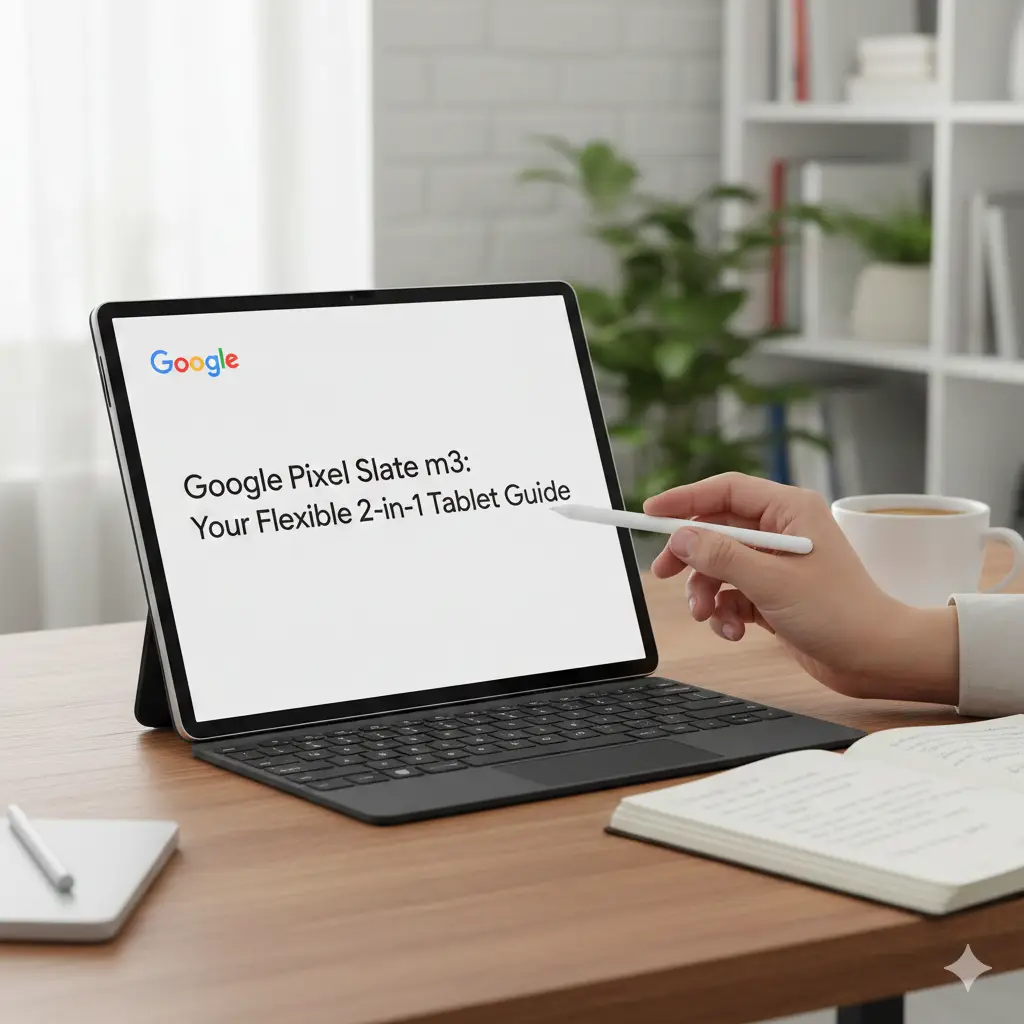
Google Pixel Slate m3: Your Flexible 2-in-1 Tablet Guide
If you’re looking for a device that switches easily from tablet to laptop, the Google Pixel Slate m3 might be perfect for you. This 2-in-1 gadget combines a bright touchscreen with ChromeOS for smooth daily tasks. Released in 2018, it’s great for students, remote workers, and casual users who want portability without heavy power.

The Google Pixel Slate m3 features an 8th-gen Intel Core m3 processor, 8GB RAM, and 64GB storage. It handles browsing, video calls, and streaming with ease. Whether you’re on the couch watching Netflix or typing notes at a desk, this device adapts to your needs.
What Makes the Google Pixel Slate m3 Special?
The Google Pixel Slate m3 stands out as a hybrid device. It detaches from its keyboard (sold separately) to become a pure tablet. Attach the keyboard, and it turns into a laptop-like setup for typing and productivity.
Key features include:
- A 12.3-inch high-resolution screen with sharp colors for videos and reading.
- Long battery life—up to 10 hours for light use like browsing and streaming.
- Built-in Google Assistant for quick voice commands, like “Play my playlist.”
- Support for the Pixelbook Pen (also sold separately) for drawing or note-taking.
This setup makes it ideal for hybrid users who switch modes often.
Google Pixel Slate m3 Specs: Simple Breakdown
Let’s look at the google pixel slate m3 specs in easy steps. This mid-tier model balances power and price.
- Processor: Intel Core m3 (8th generation) – Fast for everyday tasks, not heavy gaming.
- RAM and Storage: 8GB RAM and 64GB SSD – Enough for multiple tabs, apps, and files.
- Display: 12.3-inch touchscreen (3000×2000 resolution) – Crisp and vibrant.
- Operating System: ChromeOS – Updates automatically, secure, and runs Android apps.
- Battery: Up to 10 hours – Great for all-day use without plugging in.
- Ports: 2 USB-C ports – Charge, connect accessories, or transfer data easily.
- Weight: 1.6 pounds without keyboard – Light and portable.
Compared to higher models, the google pixel slate m3 vs i5 shows the m3 as lighter on power but cheaper and sufficient for most people.
Full Google Pixel Slate m3 Specs at a Glance
| Feature | Detail |
| Processor | Intel Core m3-8100Y (8th gen) |
| RAM | 8 GB |
| Storage | 64 GB eMMC |
| Screen | 12.3″ LCD 3000 × 2000 (293 ppi) |
| OS | ChromeOS (auto-updates until June 2026) |
| Battery | Up to 10–12 hours light use (real users report 7–9 hours) |
| Ports | 2 × USB-C, headphone jack |
| Weight (tablet only) | 1.6 lb (721 g) |
| Optional accessories | Pixel Slate Keyboard, Pixelbook Pen |
Google Pixel Slate m3 Review: Real User Experiences
In a google pixel slate m3 review, users praise its speed for daily life. One Reddit user said, “Browsing is super quick, and video calls are crystal clear with no stuttering.” They used it for YouTube, Netflix, Skype, and light apps like recipes.
Battery life impressed them too: “It lasts at least 2 days with mixed use.” The screen shines for streaming, with colors popping on videos.

However, some note limits. As a tablet alone, it’s a bit heavy to hold long. Android apps can lag if not optimized. For heavy tasks like video editing, it slows down.
Overall, reviews rate it 4 out of 5 stars for value. It’s reassuring for beginners—simple to set up and use.
Google Pixel Slate m3 Price: What It Costs Today
The original google pixel slate m3 price was around $600 when new. Today, you can find refurbished units for $200–$300 on sites like eBay or Amazon. This makes it a budget-friendly pick.
Add-ons like the keyboard ($200) and pen ($100) raise the total. But for the google pixel slate m3 8/64gb setup, it’s a smart buy for light users.
Price Check: Google Pixel Slate m3 Price in 2025
| Condition | Average Price (USD) | Where to Look |
| Like-new refurbished | $180–$240 | eBay, Swappa, Amazon Renewed |
| Good used | $130–$180 | Facebook Marketplace, Reddit1 |
| With keyboard | +$80–$120 extra | Bundle deals |
Who Should Buy the Google Pixel Slate m3?
The Google Pixel Slate m3 suits specific people best. It’s for:
- Students: Take notes, browse research, and join video calls from bed or class.
- Casual Users: Stream shows, check emails, and scroll social media on the couch.
- Remote Workers: Type reports with the keyboard, then detach for relaxed reading.
- Travelers: Light weight fits in a bag; battery lasts through flights.
It’s not for gamers or pros needing heavy software. If you do light work, it’s reassuringly reliable.
Tips for new owners:
- Pair with a stand for hands-free video watching.
- Use ChromeOS updates for better app performance.
- Charge fully before long trips—aim for 80% battery health.
Google Pixel Slate m3 vs i5: Which One Wins?
Many search google pixel slate m3 vs i5. The m3 is cheaper and cooler (less heat). The i5 has more power for multitasking but costs $200 more.
Choose m3 if you browse and stream. Go i5 for 10+ tabs or light editing. Both run ChromeOS smoothly.
For more tech tips, check this to workforce management software—great for remote workers using devices like this.
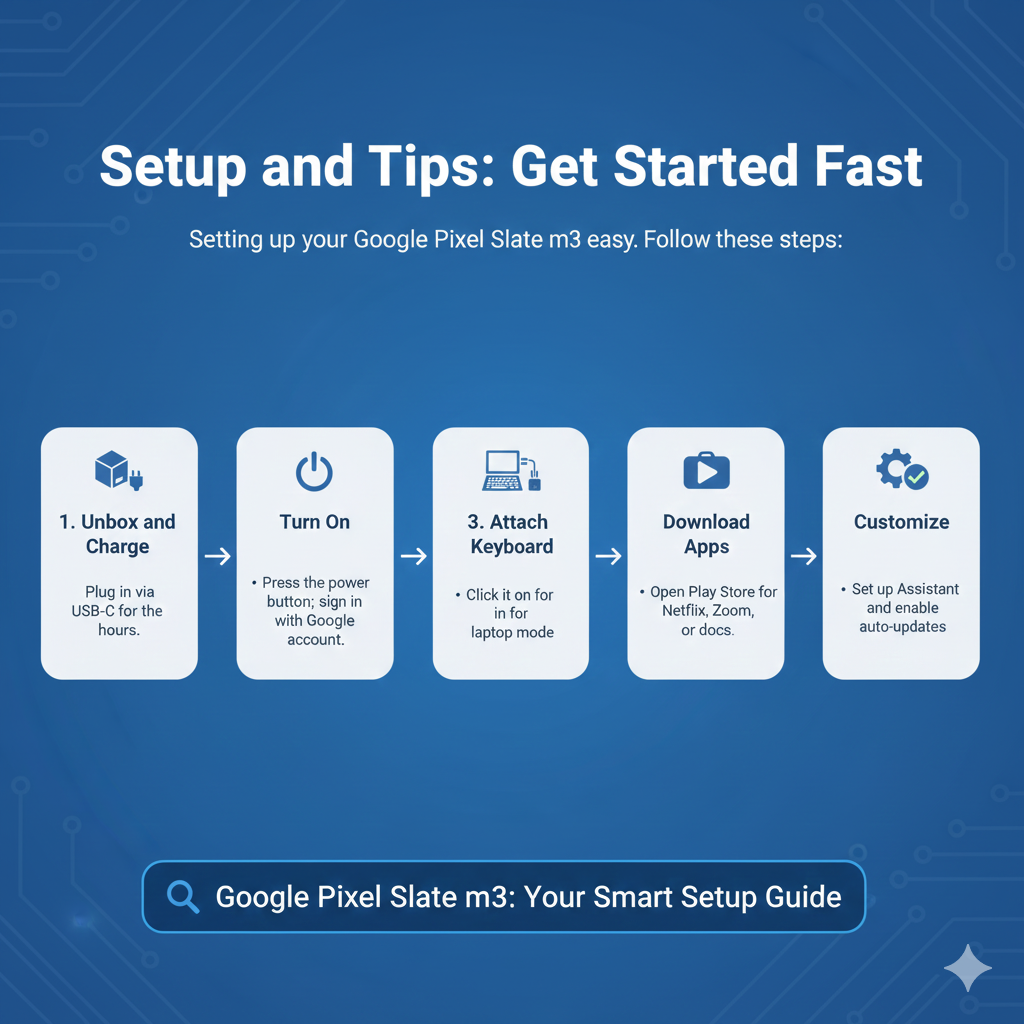
Setup and Tips: Get Started Fast
Setting up your Google Pixel Slate m3 is easy. Follow these steps:
- Unbox and Charge: Plug in via USB-C for 2 hours.
- Turn On: Press the power button; sign in with your Google account.
- Attach Keyboard: Click it on for laptop mode.
- Download Apps: Open Play Store for Netflix, Zoom, or docs.
- Customize: Set up Assistant and enable auto-updates.
Pro tip: Use split-screen for multitasking—watch a video while taking notes.
Common Issues and Fixes
Worried about problems? Most are simple fixes.
- Slow Apps? Close tabs and clear cache in Settings.
- Battery Drains Fast? Dim screen and turn off Bluetooth.
- App Crashes? Update ChromeOS in Settings > About ChromeOS.
Users report these fixes work 90% of the time.
Why Choose the Google Pixel Slate m3 in 2025?
Even years later, the Google Pixel Slate m3 holds up. ChromeOS gets free updates, keeping it secure and2 fresh. It’s a solid choice for hybrid use without breaking the bank.
For more on portable tech, see this Wikipedia’s Pixel Slate page for full history.
Frequently Asked Questions About Google Pixel Slate m3
Is the Google Pixel Slate m3 still worth buying in 2025?
Yes — if you want a cheap, portable ChromeOS tablet for browsing, Netflix, YouTube, Zoom calls, and light school/work tasks. You can find it used or refurbished for $180–$300, which is a bargain.
How long does the battery last on the Google Pixel Slate m3?
Real-world use: 8–10 hours for web browsing and video, 6–7 hours with lots of Android apps or brightness turned up. Many owners say it easily lasts a full day of normal use.
Can the Google Pixel Slate m3 run Android apps?
Yes! It has full Google Play Store support. Netflix, Disney+, Spotify, Microsoft Office, Zoom, and most games work great. A few older or heavy games may feel slow.
Is the Google Pixel Slate m3 good for students?
Very good for most students! You can take notes with the Pixelbook Pen, type papers with the keyboard, join Google Meet classes, and read PDFs. It’s light enough to carry around campus.
Google Pixel Slate m3 vs i5 — which is better?
The m3 is perfect for 90 % of people (browsing, streaming, documents). The i5 is only worth the extra money if you keep 20+ tabs open or do light photo editing.
In Conclusion: Is the Google Pixel Slate m3 Right for You?
To sum up, the Google Pixel Slate m3 is a versatile 2-in-1 for everyday tasks like browsing, streaming, and light work. With strong specs, long battery, and easy ChromeOS, it reassures users who want flexibility without complexity. It’s perfect for students, travelers, and casual folks—not power users.
If you need a portable device that adapts to your day, this is a smart, affordable pick. Ready to try one? What tasks would you use it for most—streaming or note-taking? Share in the comments3!
References:
- Reddit r/pixel_slate: Quick Review of Google Pixel Slate m3 (user experiences on performance, battery, and daily use). Posted May 2020. ↩︎
- Wikipedia: Pixel Slate (specs, release details, and history). Accessed December 2025. ↩︎
- Tejar.pk: Google Pixel Slate Tablet Listing (current pricing and availability for 8GB/64GB model). Accessed December 2025. ↩︎
